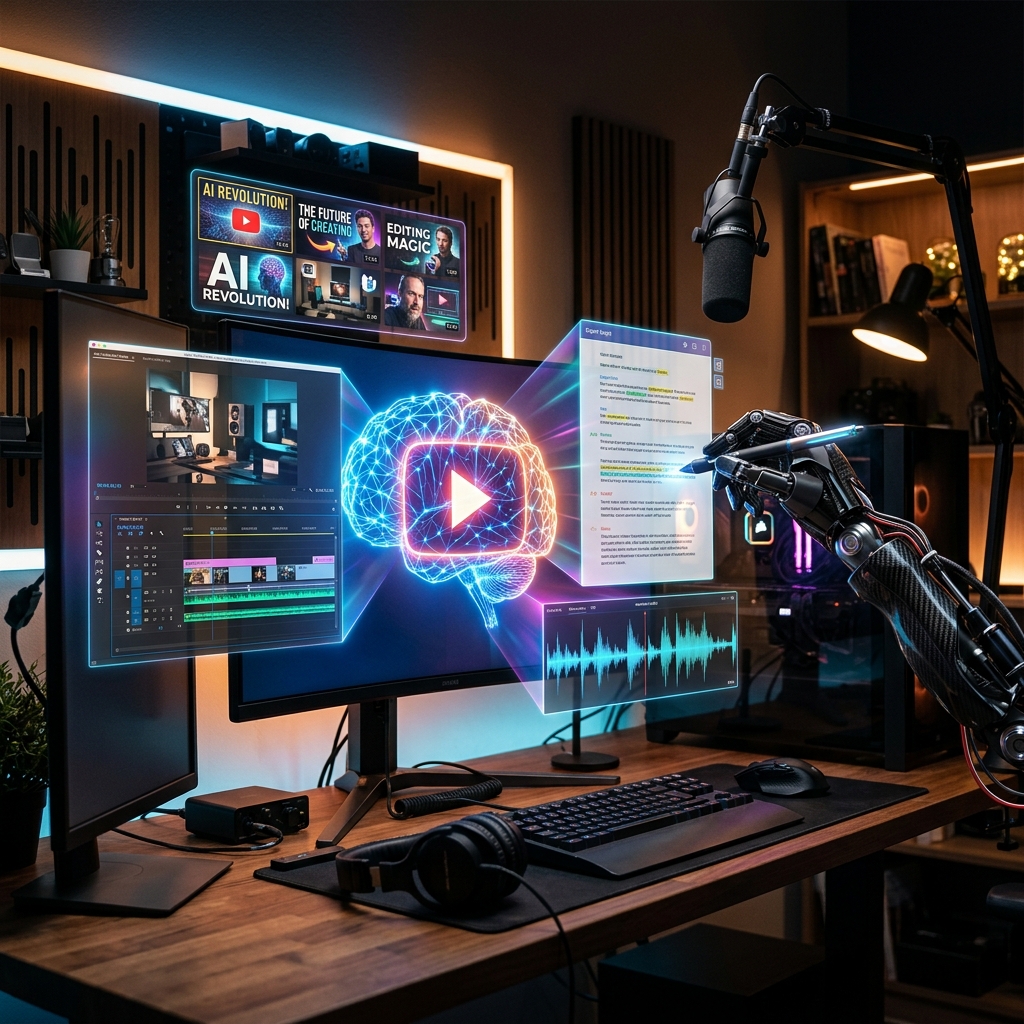
Do you want to start your own YouTube channel and generate great income, but lack the time or expertise in design and editing? Today, thanks to the massive surge in AI technologies, these barriers no longer exist. You can now launch a professional YouTube channel and manage it entirely with automated and innovative tools — from choosing a niche and writing scripts, to editing, voiceover, SEO optimization, and thumbnail design. In this guide, we explore the most important tools that will enable you to build and grow your channel step by step with minimal effort.
1. Choosing a Niche & Generating Ideas
Choosing a specific and in-demand niche is the foundation of channel success. You can use AI models like ChatGPT and Claude to analyze the market and suggest channel ideas that don't require face reveal. Additionally, tools like vidIQ offer a dedicated "AI Coach" feature to analyze search volume and competition, providing daily ideas based on actual user search trends, ensuring you find ideas with high view potential.
2. Script Writing & Voiceover
Writing an engaging video script grabs viewer attention from the first seconds. Claude 3.5 Sonnet is currently one of the best tools for crafting compelling scripts. After writing the script, you can convert it into ultra-realistic voiceover using ElevenLabs, which offers human-like voices with the ability to adjust tone and emotion, or use Noiz.ai for fast voice generation and content dubbing into multiple languages to expand your audience reach.
3. Video Editing & Visuals
Editing is often the most time-consuming phase. But thanks to AI-powered software, you can automate this entire process. Descript lets you edit video by editing the written text and removing unwanted words and silence with one click. CapCut offers smart auto-captioning, and tools like OpusClip can convert long videos into engaging Shorts with colorful captions in seconds. For eye-catching visuals and cinematic footage, rely on Midjourney or DALL-E 3 to produce stunning visual elements that keep viewers engaged.
4. Thumbnail Design & SEO
The thumbnail is the gateway that determines whether a viewer clicks on your video. Use Canva powered by AI to generate ideas and easily edit elements, or Adobe Express to create impressive visuals. To optimize your video for search engines and rank higher, tools like vidIQ and TubeBuddy provide smart recommendations for crafting click-worthy titles, writing keyword-rich descriptions, and generating appropriate tags.
5. Workflow Automation
To save even more time, connect these tools together using platforms like Zapier to automatically publish videos across social media platforms as soon as they are uploaded to YouTube, giving you speed in production and distribution.
Conclusion
AI is not a replacement for your human creativity — it is a smart partner that frees you from routine tasks so you can focus on strategy and crafting inspiring stories. Start adopting these tools today and watch your channel experience extraordinary growth.
Comments
Post a Comment